Yippie! I broke my Home Server (again)!
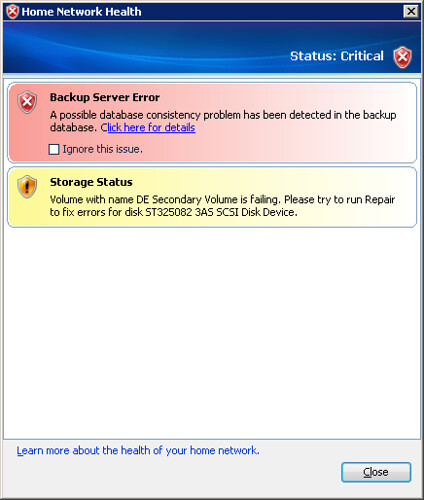
A week ago I was getting this...
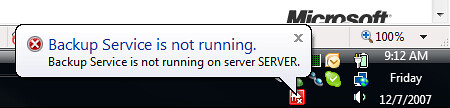
Now when viewing a backup of my desktop I get this towards the end:
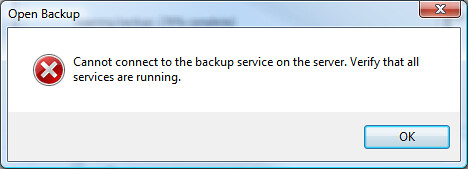
Which is quickly followed by this:
And these errors in the server's event log:
Unexpected error 0x5aa from ReadFile on D:\folders\{00008086-058D-4C89-AB57-A7F909A47AB4}\Data.4096.0.dat: Insufficient system resources exist to complete the requested service.
and
Client Backup server failed at d:\qhsv1_rtm_qfe\qhs\src\backup\util\diskfile.cpp(383)
Now the question… (given this isn't the first time I've achieved this state) if I wipe out all of my backups today… can I make this fail again in the same way in 2 weeks (the time since the last backup wipe out)?
Thanks though to a little bit of hackery:
made possible with a test add-in:
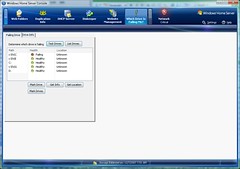
I know which drive is currently suspect for the next time I get into this state. Now to expand the add-in further while I wait for the next failure.
posted by Brendan at
8:07 AM

2 Comments:
Have you gotten any further w/ your drive failure testing component? I think I'm in the same situation, and I'd like to know for sure before ripping the drive out of my Home Server.
By Anonymous, at 6:56 AM
I'm afraid not... it keeps getting shuffled to the rear.
By Brendan, at 4:43 PM
Post a Comment
<< Home